
Clibor 2.3.0E
In this version, I have refactored most of the Clibor source code.
Clibor has been public for more than ten years, and parts of the original structure still remained until now.
Rewriting it has improved maintainability and performance and made Clibor run more reliably.
I've also fixed bugs and added new features.
We recommend upgrading to the latest version.
To download the latest version, please see below.
Please see below for instructions on how to upgrade.

Improved rendering
Improvements have been made to Clibor's rendering.
Previously, the main screen frame and list sometimes flickered.
The main screen no longer flickers.
Font changes
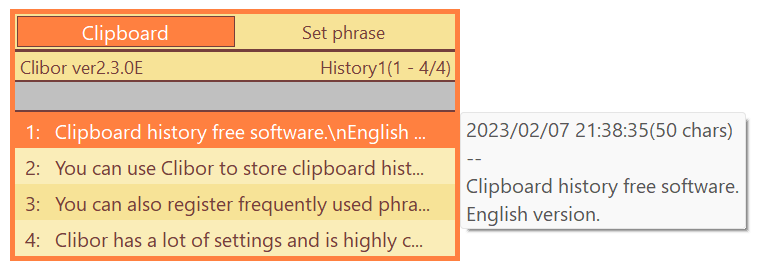
Changed the UI font to Segoe UI (Microsoft YaHei UI for Chinese).
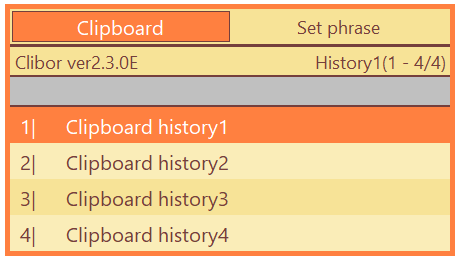
Customizable main screen list format
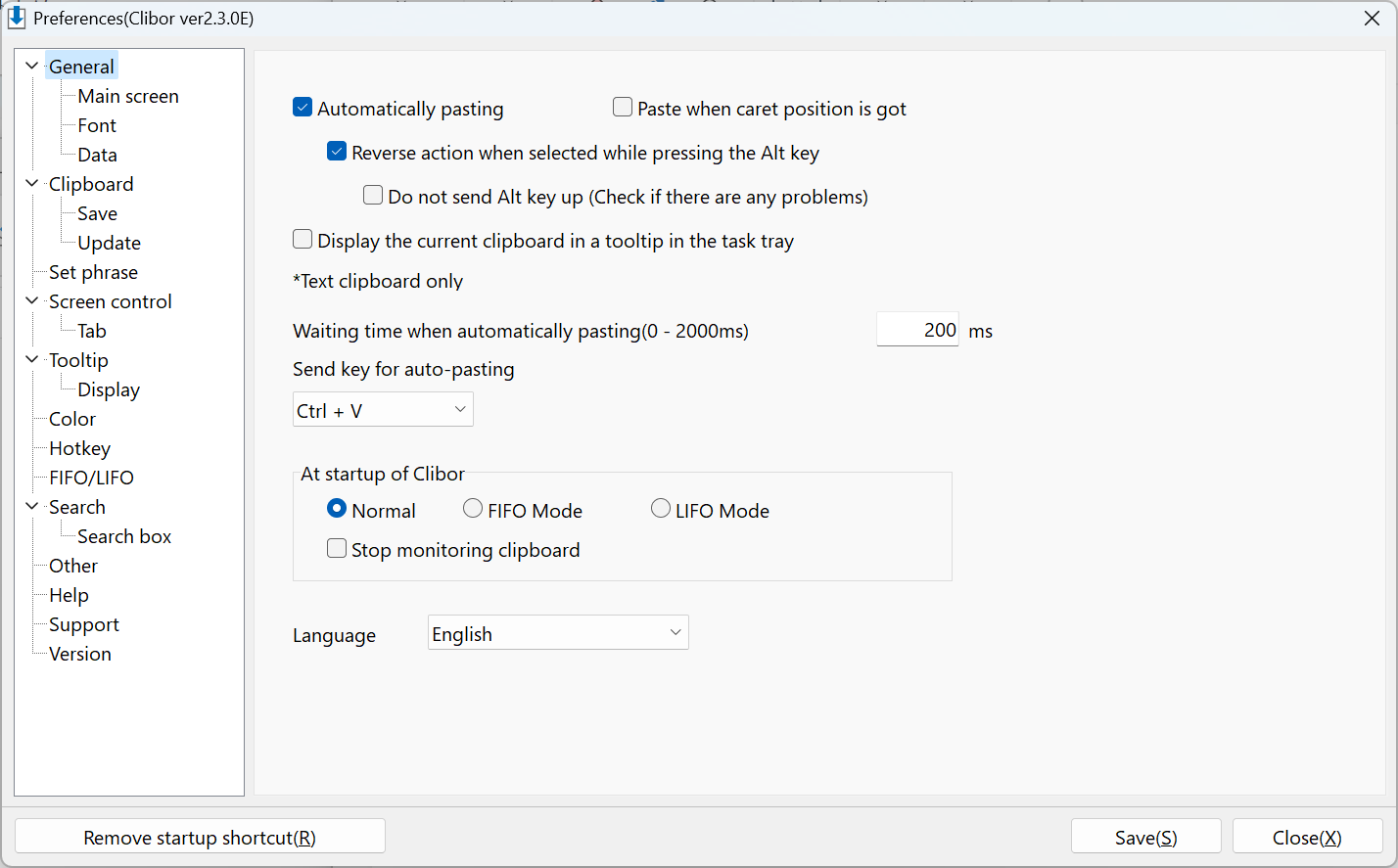
The format of the list on the main screen can now be changed.
For example, you can change the symbol of a shortcut key, or adjust the spacing between the shortcut indicator and the text.
Improved high-DPI display
In recent years, many people have been using high-resolution monitors.
When the magnification is changed, for example to 150%, the tabs, lists, and other elements on Clibor's main screen would be displayed slightly out of alignment.
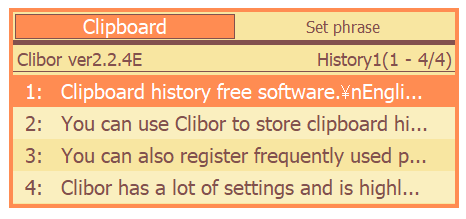
The same problem could occur when using multiple monitors with different scaling levels, causing the layout to shift as you moved between screens.
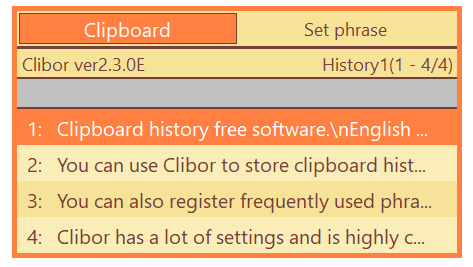
This version renders correctly across monitors with different resolutions or scaling levels.
New default settings at first startup
The default values for the initial startup settings have been changed.
Clibor has many settings.
Previously, you needed to customize quite a few settings after the first launch, and some users stopped using Clibor before finishing that setup.
The initial defaults have been reviewed so that Clibor is easier to use right away without changing settings.
The changes are listed below.
| Category | Setting | Value |
|---|---|---|
| General | Auto-paste | ON |
| Reverse auto-paste behavior when Alt is held | ON | |
| Main screen | Screen opacity | 90→100 |
| Row spacing | 5→7 | |
| Fonts | All fonts | Meiryo→Segoe UI Font size changes |
| Clipboard | Maximum number of clipboard history entries to save | 108→10000 |
| Number of clipboard history entries in the list | 36→25 | |
| Templates | Show "Memo" instead of the template name | ON |
| Screen display control | Switch pages with mouse wheel | ON |
| Switch pages with PageUp and PageDown keys | ON | |
| Tab control | Keep the main screen in view when switching tabs | ON |
| Tooltip | Mouse display position | Next to the selected row |
| Keyboard display position | Next to the selected row | |
| Display | Time before tooltip appears | 50→100 |
| Clipboard history tooltip format | bytes→chars | |
| FIFO/LIFO | Also save data to history in FIFO/LIFO mode | ON |
| Store duplicate entries in FIFO/LIFO mode | ON | |
| Search | Case-insensitive | ON |
| Search box | Show the search box on the main screen | ON |
| Search templates when the Templates tab is open | ON | |
| Other | Measure length in characters | ON |
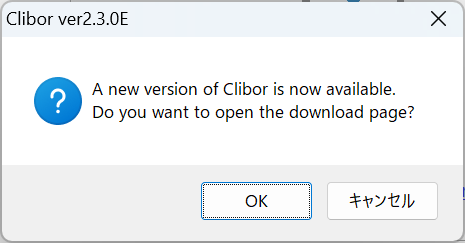
Automatic version update check
Clibor can now check automatically for new versions.
The check runs automatically at startup or once a day.
You can also check manually from Preferences.
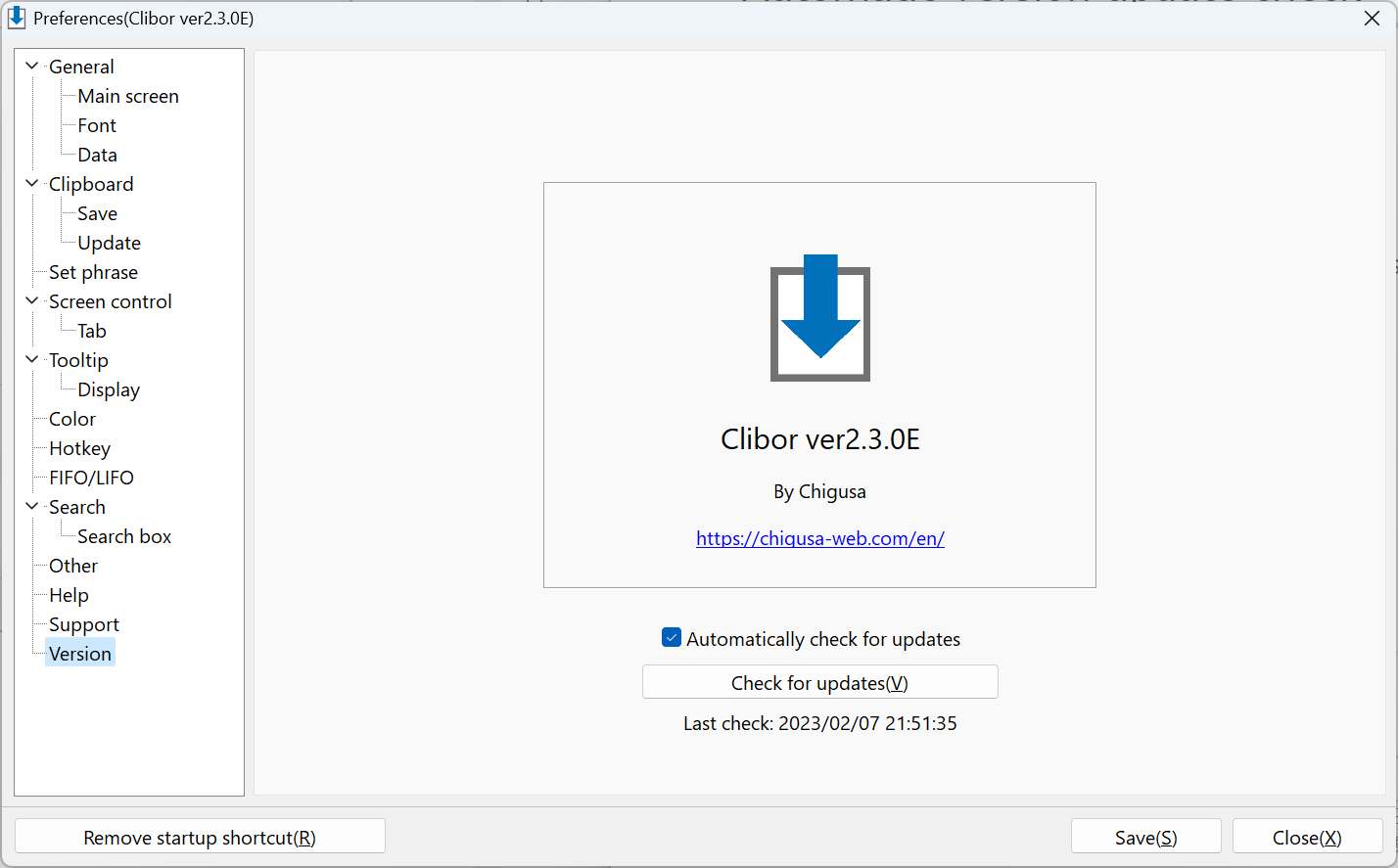
When a new version is released, you will be notified as follows.
Remote Desktop Support
Host-side Clibor hotkeys are now disabled when operating via Remote Desktop.
This is useful when Clibor is running on both the host and the guest.
Previously, a hotkey could open Clibor on both sides at once; when you are using Remote Desktop, only the guest-side Clibor hotkeys remain active.
Change to supported OS versions
After this version, Clibor will only support Windows 10 and 11.
This is because the app now relies on features available only on Windows 8.1 and later, Microsoft has ended support for Windows 8.1 and earlier, and I no longer have test environments below Windows 10.
Thank you for your understanding.
Improvements and bug fixes
To download the latest version, please see below.