

About Clibor

Clibor is a simple yet powerful clipboard history tool — and it's completely free.
Whether you're new to clipboard managers or a power user, it's worth keeping on your PC.
Clibor first launched in Japan in 2009. Thank you to everyone who has downloaded and used it over the years.
System requirements
Windows 10 or 11
(Both 32-bit and 64-bit are supported)
See below for the Mac version.
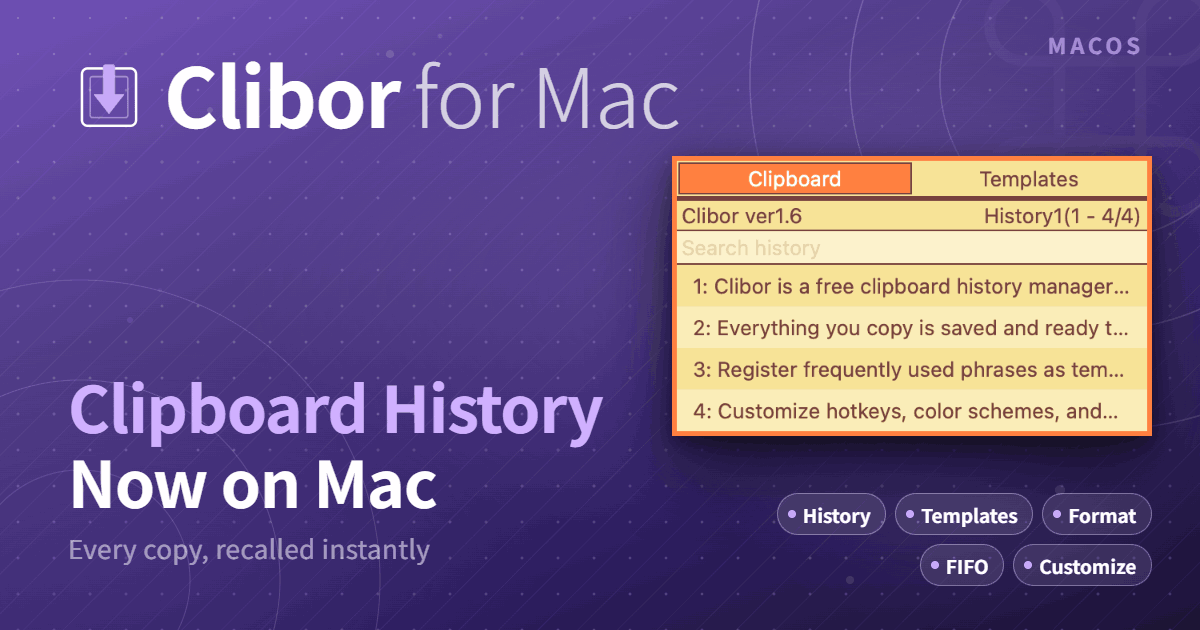
Clibor for Mac English
Clipboard history free software \"Clibor for Mac\"
chigusa-web.com
Features of Clibor
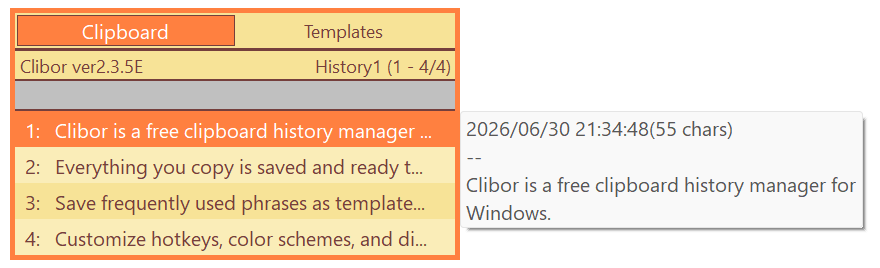
Clibor keeps a searchable history of everything you copy.
You can also save frequently used phrases as templates and recall them to the clipboard whenever you need them.
Basic operation
- Easy to get started
- Sits in the system tray, out of your way until you need it
- Microsoft Store version — install with a single click
- Portable version — no installer and no registry changes; unzip and run
Clipboard history
- Store up to 10,000 items
- Incremental search
- Regex-based find-and-replace and automatic text formatting
- Paste in FIFO or LIFO order
- Multi-select entries, set history exclusion patterns, and monitor specific windows
Templates
- Group templates and attach notes
- Assign hotkeys to individual templates or whole groups
- Export and import via CSV
Design and extensibility
- Customize colors, fonts, and other visual details
- Flexible startup parameters let you trigger Clibor from mouse gesture tools or other apps
Data management and security
- Everything stays on your computer — nothing is sent online
- Encrypt saved data and protect access with a startup password
- Back up and restore your data
Support and donations
Clibor is free software. If you find it useful, donations and support are always welcome.

Support Clibor
Thank you for your support of Clibor.
chigusa-web.com