

Download the latest version
Microsoft Store version
You can install Clibor from the Microsoft Store.
Installation and updates are handled automatically, so this is the easiest way to get started.
The Store version and the Portable version have the same features.

If you want to switch from the Portable version (the original edition) to the Store version, see the page below.

Migration guide
How to move Clibor to a new PC, or from the Portable version to the Microsoft Store version.
chigusa-web.com
Portable version (original edition)
Mac version
For the Mac version, see below:
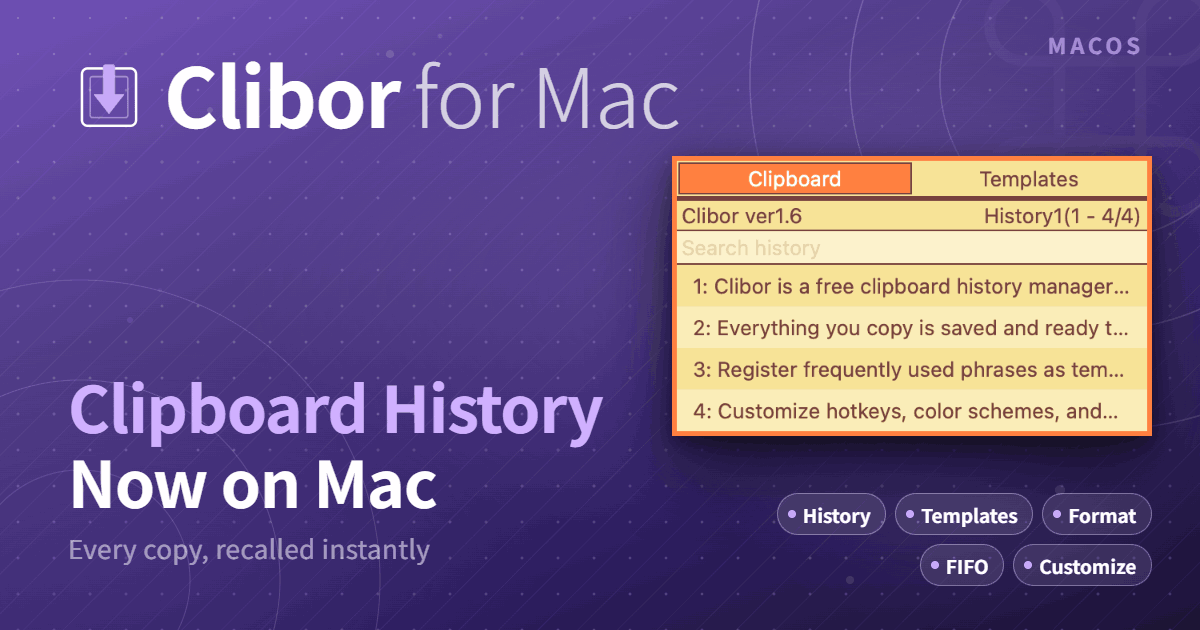
Clibor for Mac English
Clipboard history free software \"Clibor for Mac\"
chigusa-web.com
Supported languages
- English
- Simplified Chinese
- Spanish
- Turkish
- French
- Portuguese
- Korean
- German
- Traditional Chinese
- Indonesian
- Russian
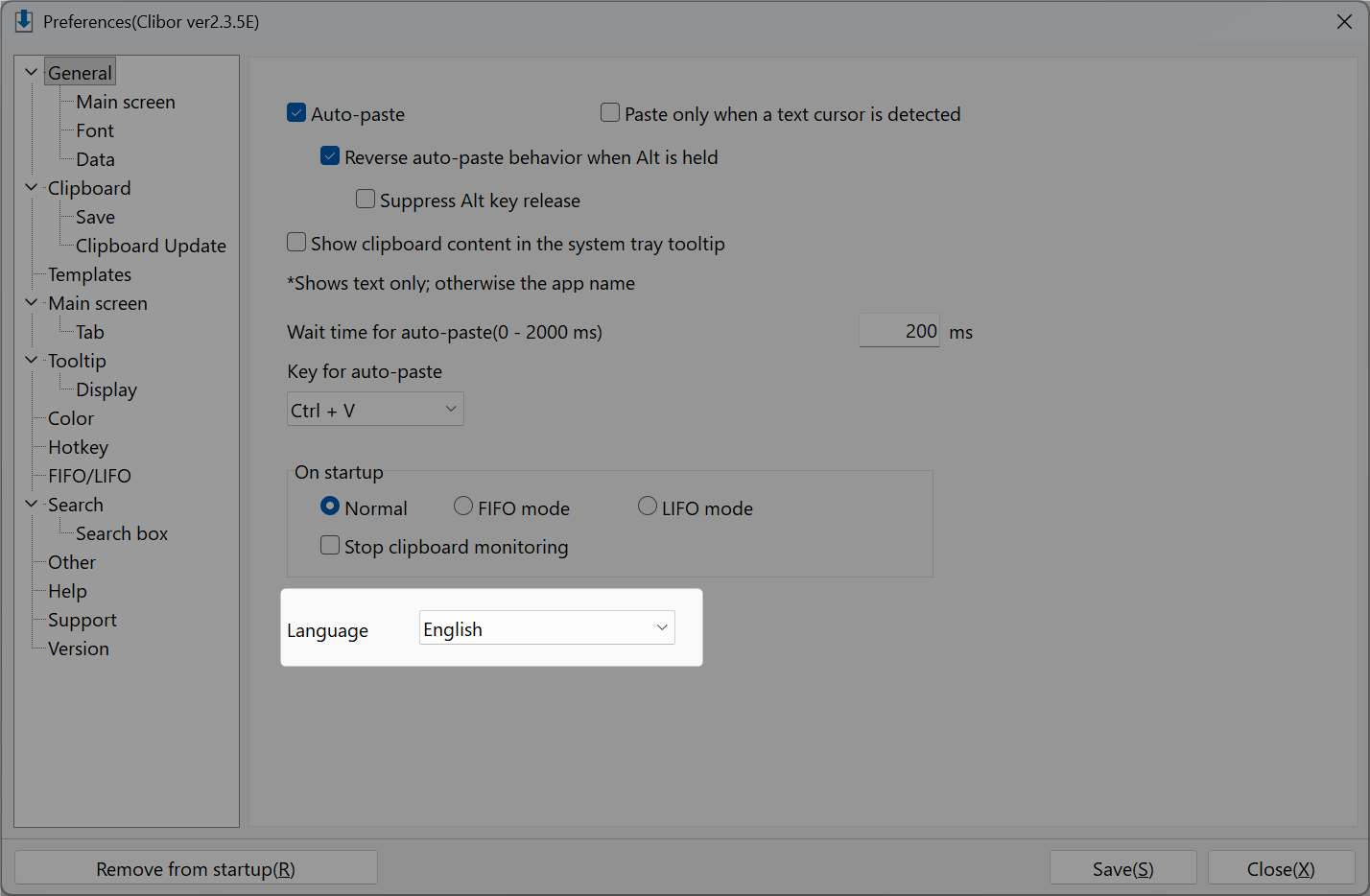
Alternatively, you can manually change the language in Preferences.
How to upgrade
See the upgrade instructions below.

Upgrading Clibor
How to upgrade the Microsoft Store and Portable versions of Clibor while keeping your data.
chigusa-web.com
Changelog
See the full changelog.

Changelog
View Clibor's release history, including new features, improvements, bug fixes, and language updates.
chigusa-web.com
If you'd like to help improve the translation, please visit the page below:

Help improve Clibor's translations
Thank you for your help in improving the translation.
chigusa-web.com
Terms of Use
Please read the Terms of Use before using Clibor.

Terms of Use
Read the terms for using Clibor, including permitted use, redistribution restrictions, and disclaimers.
chigusa-web.com
Download previous versions (Portable)
If the latest version of Clibor is unstable, you may want to download and use a previous version instead.