Why does Clibor show an error at startup?

Before using Clibor, make sure to unzip the downloaded Clibor.zip.

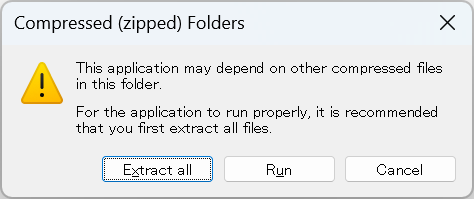
If you double-click Clibor.exe directly inside Clibor.zip without extracting it, Clibor will not run and you may see an error like the following:
Clibor could not start because of an error.
ClbHook.dll was not found.
(This error occurs in version 2.3.4 and earlier. ClbHook.dll is not used in version 2.3.5 and later.)

Extract the ZIP file first, then run Clibor.exe.

Side Projects

Chigusa @chigusaweb

A working IT engineer. Coding and sharing tech insights on my own terms. Web apps / Windows & Mac apps / Mobile apps — and more. (Java, PHP, JavaScript, Swift, Python, C#, and others) Side projects: Clibor, Quipha, TXT-Crypter, Chigusa Tools Kindle books: Laravel 9 in Practice, and more

Clipboard History

Clibor

Windows

A simple yet powerful clipboard history manager for Windows. Save phrases you use often as templates and paste them instantly. Supports advanced text formatting, FIFO mode, and hotkeys.

Clipboard History

Everything you love about Clibor — now on Mac. Supports Templates, advanced text formatting, FIFO mode, and more. Compatible with the latest macOS Tahoe.

Text Encryption

A free service to encrypt text and share or save it via URL. Only those with the passphrase can decrypt it. No sign-up required. No data stored on the server. Also available as a Notion integration.

Tools

A collection of web utilities for everyday productivity boosts. From text and data processing to the latest AI integrations — all the little tools you keep Googling, in one place.

Copied title and URL