
Introduction
Notion is an incredibly powerful tool for managing documents and centralizing ideas, but it lacks a built-in feature to password-protect or restrict access to specific text.
Lately, more of us are leveraging Notion AI in our professional and personal workflows. However, storing sensitive data in plain text comes with a security risk: it can be indexed, scanned, or summarized by Notion AI, exposing your private information to the AI without your explicit intent.
To mitigate this risk, a highly effective workaround is to combine Notion with a free web utility called "TXT-Crypter."
This method is also ideal for managing credentials within Notion. For a deeper dive into password management, check out the following post:

What is TXT-Crypter?
TXT-Crypter is a simple, lightweight, and free web application designed to easily encrypt and decrypt text strings.
Because the entire encryption and decryption process runs completely client-side within your browser, your passphrases and raw data are never transmitted to or stored on any server. This architecture ensures robust privacy and security.
Step-by-Step: Encrypting Text in Notion
The workflow is exceptionally straightforward and can be completed in just three simple steps.
Encrypt text with TXT-Crypter
First, navigate to TXT-Crypter. Enter the sensitive text you want to hide, provide a custom passphrase (password), and click the "Encrypt" button.
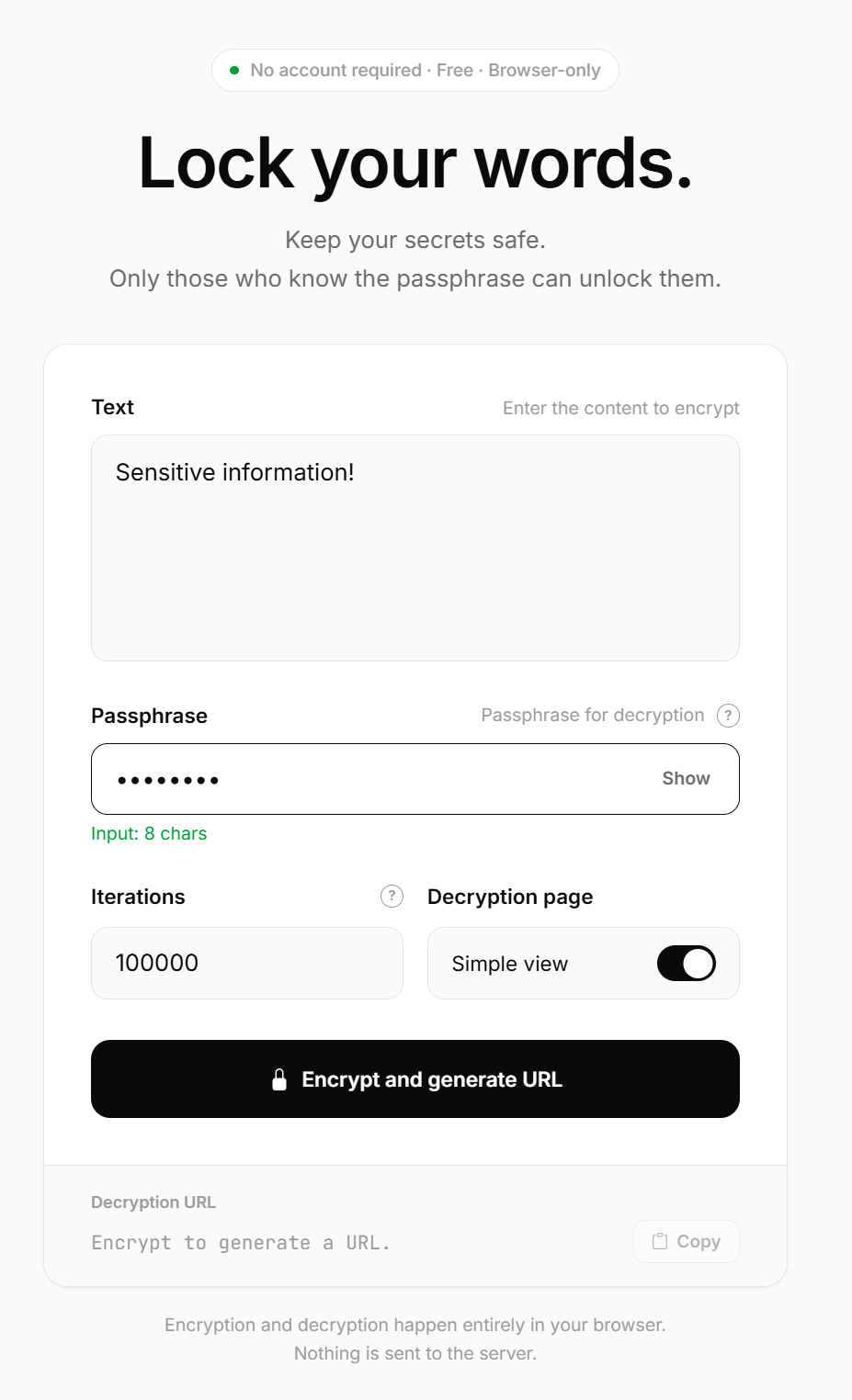
Your original text is safely encrypted and embedded as a parameter within the generated decryption URL.
Without your unique passphrase, the original payload remains entirely unreadable to anyone else.
https://tc.chigusa-web.com/dec?v=1.0&txt=encrypted_dataPaste the encrypted payload into Notion
Copy the generated decryption URL, paste it directly into your Notion page, and select the "Embed" option.
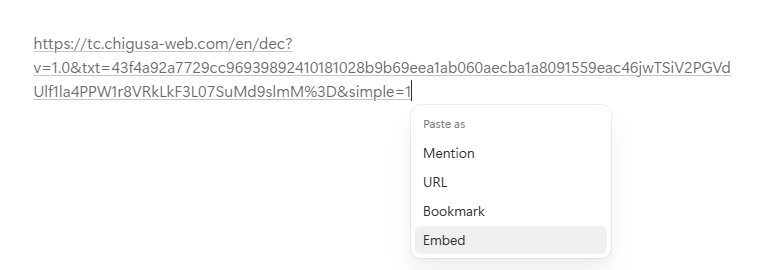
The embedded link will render beautifully within the page, as shown below:
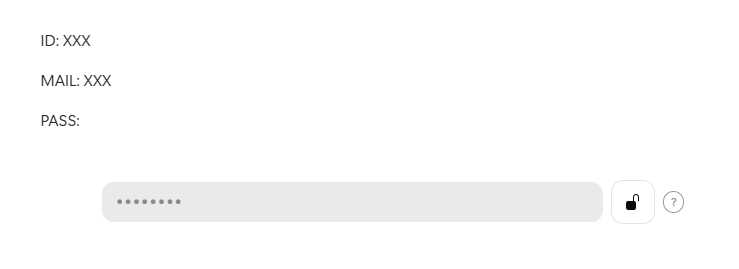
Decrypt whenever you need access
When you need to read or copy the original text, simply enter your configured passphrase directly into the embedded form to decrypt it.
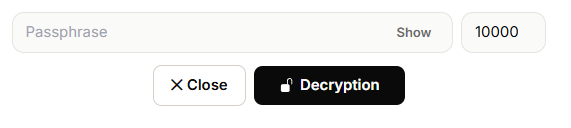
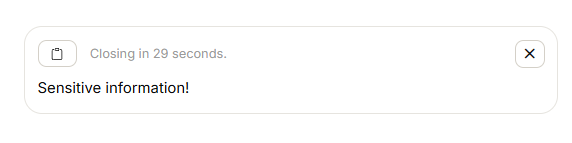
Your plain text will immediately be revealed securely right inside your workspace.
Why You Should Combine Notion with TXT-Crypter
Hide your data from Notion AI
Since the encrypted content lives inside a URL parameter as an obfuscated ciphertext string, you can completely prevent Notion AI from scanning, processing, or learning from your confidential data. It is an optimal way to isolate sensitive data while still enjoying the productivity benefits of Notion.
Defense against data leaks and shoulder surfing
Even if someone glances at your active Notion screen, or if a page is accidentally made public due to a workspace sharing misconfiguration, your data remains completely secure unless the attacker knows your specific passphrase.
Manual decryption capabilities
In the unlikely event that the TXT-Crypter web service ever goes offline, you can still decrypt your text string manually using the parameters in the URL. The underlying source code and instructions for offline decryption are fully open-sourced on GitHub.
Conclusion
Even though Notion lacks native granular password protection, strategic integration with lightweight external utilities allows you to enhance your workspace security effortlessly.
This approach serves as an excellent defense-in-depth practice—not only to prevent unauthorized human eyes from seeing your data but also as a reliable safeguard against AI scraping. Try adopting this hybrid workflow to keep your mission-critical credentials secure while maximizing your day-to-day productivity in Notion.
